Schedule YouTube Shorts
UploadFlow writes the YouTube title, description and tags from your video, lets you pick a thumbnail frame or generate one, and publishes on schedule. Your Short can go to TikTok and Instagram Reels from the same upload.
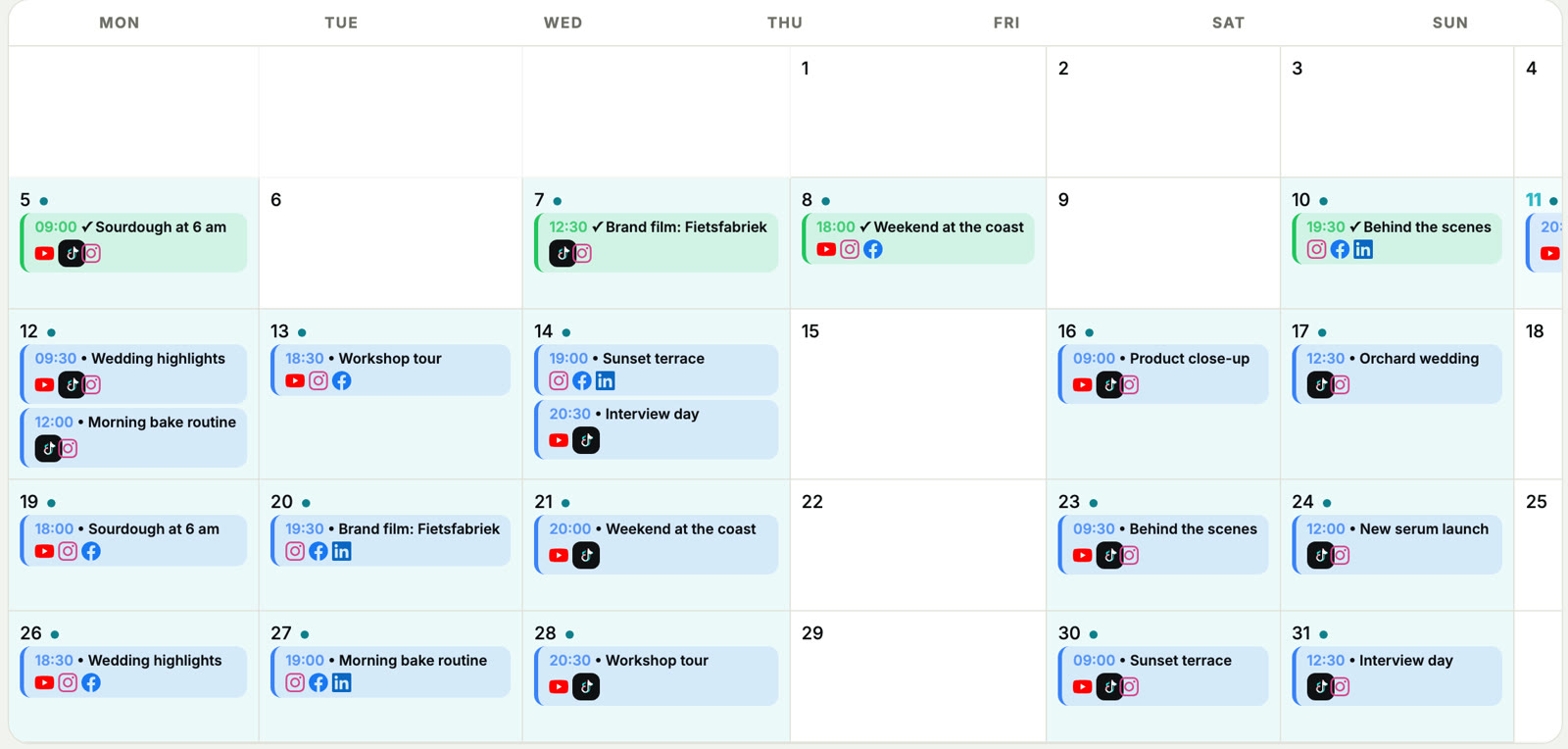
Everything YouTube needs
Titles from your video
Several title suggestions based on what happens in the clip and what is said in it. Pick one or write your own.
Descriptions and tags
A full description and relevant tags, adapted to YouTube instead of a copy of your TikTok caption.
Thumbnails
Choose a frame from your video as the cover, or generate a styled thumbnail with AI for 15 credits.
Playlists and settings
Add videos to a playlist and set the category, language, audience and made-for-kids setting.
Daily limits handled
UploadFlow keeps track of your plan limit per day and moves posts that do not fit to the next day.
Statistics
Views and engagement per video in one overview, next to your other platforms.
From upload to scheduled Short
Connect your YouTube channel
Sign in with Google. You can connect several channels, depending on your plan.
Upload and analyze
The AI looks at key frames and the spoken audio and writes the title, description and tags.
Schedule
Pick a date and time. The video is uploaded to YouTube and published at that moment.
YouTube uploads per day by plan
Free: 2 videos a day. Social: 5. Pro: 10. Agency: 25. Compare plans.
YouTube scheduling questions
Does it work for long videos too?
Yes. Shorts and regular videos both work. AI analysis supports files up to 500 MB on paid plans and 100 MB on Free.
Can I post the same video to TikTok and Instagram?
Yes. Tick the extra platforms on the same upload and each one gets its own caption.
Can I connect more than one channel?
Yes. Free includes 1 account per platform, up to 25 on the Agency plan.
Plan your next YouTube Shorts
Start free and let AI write the titles and descriptions for you.